
Live TV & Sports
Explore live channels and sports content and check how quickly streams open on your connection.
24-Hour IPTV Trial



Test PlayTVX before choosing a longer plan. Get 24 hours to explore live TV, sports, movies and series, check streaming quality and make sure the service works on your preferred device.
Test the service yourself and decide based on the streaming experience on your own devices and connection. For full 24-hour trial details, see the PlayTVX trial page.
An IPTV trial gives you a simple way to test the service on your own internet connection and devices before choosing a longer subscription. During your 24-hour PlayTVX trial, you can explore the channel lineup, open live sports and entertainment channels, browse the VOD library and see how quickly streams load on the devices you actually use.
It is also the best time to check the things that matter most to you: picture quality, channel availability, navigation, EPG support and device compatibility. If you need help getting started, our support team can guide you through setup.
If the trial performs well on your setup, you can compare the available IPTV subscription plans and choose the duration that fits you best.
Test Before You Subscribe
Use the 24-hour trial to evaluate PlayTVX in real-world conditions before committing to a longer subscription.
Explore live channels and sports content and check how quickly streams open on your connection.
Browse the on-demand library and test playback across movies, series and other VOD content.
Test available 4K, FHD and HD streams and see which quality works best with your internet speed.
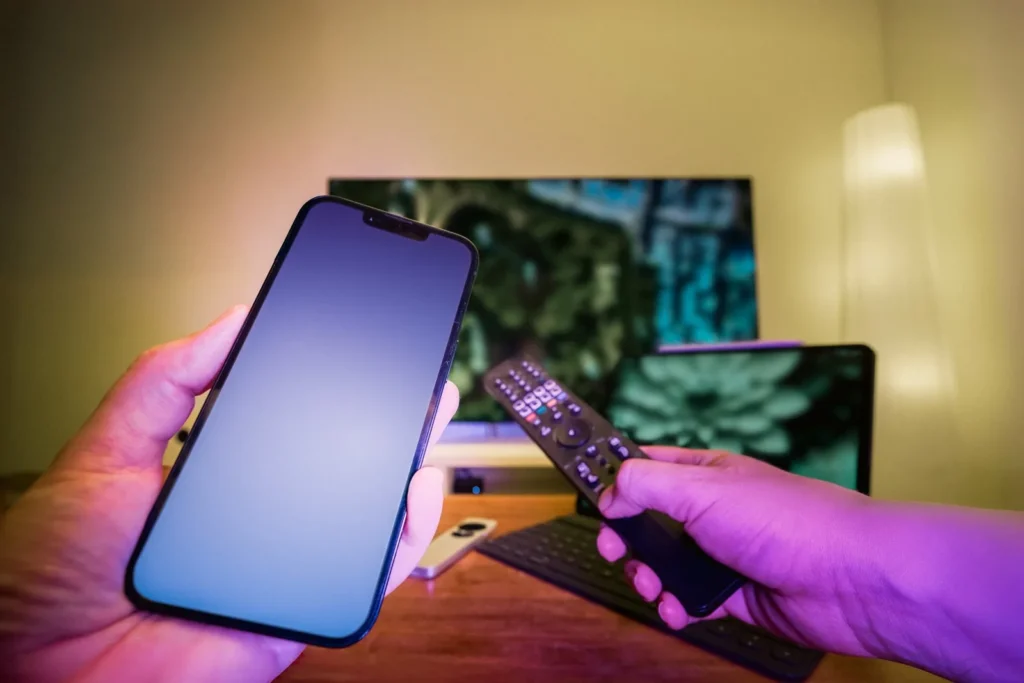
Try PlayTVX on a compatible Smart TV, Fire TV, Android device, Apple device, computer or IPTV box.
Getting started takes only a few minutes.
Choose the $1.99 IPTV trial and complete the secure checkout.
Use the account details and setup instructions provided after your trial order.
Watch live channels and VOD, test streaming quality and contact support if you need setup help.
Your trial is the right time to confirm compatibility and setup on your preferred screen.


For the most useful IPTV trial, test PlayTVX at the same times and on the same internet connection you normally use for streaming. Open several live channels, try the content categories you care about most and test more than one video quality when available.
Before testing HD or 4K streams, you can check your current connection with Fast.com. A stable connection matters as much as the headline download speed, especially during busy evening hours.
If you plan to watch on a Smart TV or Fire TV, complete the setup on that device during the trial rather than testing only on a phone or computer. This gives you a much better idea of what your normal viewing experience will be like.
After the trial, you can choose the subscription duration that fits you best without guessing whether the service works for your setup.
IPTV Trial FAQ
The PlayTVX trial provides 24 hours of access, giving you time to test the service on your preferred compatible device.
The 24-hour PlayTVX IPTV trial costs $1.99.
You can explore available live channels, sports, movies and series, test streaming quality and check how PlayTVX works on your internet connection and compatible devices.
PlayTVX supports common devices including Smart TVs, Fire TV, Android TV, Apple TV, iPhone, iPad, Android mobile devices, Windows PCs, Macs and compatible IPTV boxes.
Yes. If you need assistance during setup, contact PlayTVX support for help getting the service running on your device.
A stable connection is important. As a general guide, use at least 15 Mbps for HD streaming and around 25 Mbps for 4K streaming.
No. The purpose of the trial is to let you evaluate the service before deciding whether a longer PlayTVX subscription is right for you.
Start your 24-hour IPTV trial for $1.99 and test the service before choosing a longer subscription.
Start 24-Hour Trial - $1.99