Yes, you can watch IPTV on a Samsung TV without buying another box. The TV already plays the stream formats IPTV uses, so all you need is your subscription’s login details and a player app that Samsung’s app store lists for your model. Which players you can get depends on your TV’s model year, so that is the first thing to check.
Article summary
- Can you get IPTV on a Samsung smart TV?
- Find your Samsung TV's model year and Tizen version first
- Why you can only install what Samsung's app store lists
- Installing an IPTV player from the Samsung app store
- Adding your M3U link or Xtream Codes login
- When an IPTV app stops working or disappears from your Samsung TV
- Older Samsung TV? Plug a streaming stick into HDMI instead
- Internet speed and connection for IPTV on a Samsung TV
- Test on your own Samsung before you commit
- What Samsung owners still ask about IPTV
- Can I get IPTV Smarters on a Samsung TV?
- What is the best IPTV player for a Samsung TV?
- Is there a free IPTV player for a Samsung smart TV?
- Is IPTV legal to use on a Samsung TV?
Can you get IPTV on a Samsung smart TV?
Samsung smart TVs run an operating system called Tizen. Since 2015, Tizen’s built-in player has handled the two formats IPTV services stream in: HLS, which uses M3U8 playlists, and MPEG-DASH. Samsung’s Smart TV General Specifications list HLS support on every Tizen version from 2015 to 2026, and MPEG-DASH on all of them.
So the format is not the problem. The question is which app you use to open the stream.
It helps to keep two things apart. An IPTV provider supplies the channels and your login. A player app is the software on the TV that reads that login and plays the streams. They are separate products, usually from separate companies. PlayTVX states that it does not publish a player app of its own: you install an independent third-party player and enter the details PlayTVX sends you. If you are new to all this, here is how IPTV works in plain terms.
Find your Samsung TV's model year and Tizen version first
Start here, before you pay for anything. Player apps that list Samsung support usually name the Tizen versions or model years they run on. Samsung’s own reset menus also sit in different places depending on the year.
Your model code is in Settings (All Settings) > Support > About TV. It is also printed on a label on the back panel. Samsung’s guide to understanding the model numbers on your Samsung TV explains which letters in the code stand for the year.

The table below matches each model year to an example letter from the model code, the Tizen version it shipped with, and the version of the built-in HLS player. Where Samsung’s model-number guide gives no letter for a year, the cell says so.
| Model year | Example model-code letter | Tizen version | Built-in HLS player |
|---|---|---|---|
| 2015 | Not listed | 2.3 | HLS v3 |
| 2016 | KU | 2.4 | HLS v7 |
| 2017 | MU | 3.0 | HLS v7 |
| 2018 | NU | 4.0 | HLS v7 |
| 2019 | RU | 5.0 | HLS v7 |
| 2020 | TU, QT | 5.5 | HLS v7 |
| 2021 | QA | 6.0 | HLS v7 |
| 2022 | QB | 6.5 | HLS v7 |
| 2023 | C | 7.0 | HLS v7 |
| 2024 | Not listed | 8.0 | HLS v10 |
| 2025 | Not listed | 9.0 | HLS v10 |
| 2026 | Not listed | 10.0 | HLS v10 |
Sources: Samsung US Support, Understanding the model numbers on your Samsung TV for the model-code letters; Samsung Developers, Smart TV General Specifications for the Tizen versions and the built-in player.
Write down your model year and Tizen version. You will need them when you check whether a player supports your TV.
Why you can only install what Samsung's app store lists
Samsung’s support page on using apps on your Samsung Smart TV puts it plainly: “Only apps available in the App store can be installed.” Tizen is not Android, so a Samsung TV cannot install an Android APK file. If a player is not in the Samsung store on your TV, you cannot put it there yourself.
The store is also not the same everywhere. On its Smart Hub and Apps page, Samsung notes that content and services “may vary by region and are subject to change without notice.” That explains a common frustration. A guide names an app, even a well-known one like IPTV Smarters, and it simply is not in your store.
So vet a player the reliable way:
- Search for it in the app store on your own TV.
- Open the app maker’s own website and look for the Tizen versions or Samsung model years it supports.
- Compare that with the model year and Tizen version you wrote down.
Skip the lists on reseller sites. They often name apps that are not in your region’s store, or that the maker no longer supports on Tizen.
Newer TVs tend to keep their apps longer. Samsung says its 2026 TVs get up to 7 years of OS updates for continued access to the latest apps and services. Samsung also guarantees Knox security updates for Tizen TVs for at least three years from launch. An older set can still work well, but its store may offer fewer players over time.
If you also have an LG in the house, the same logic applies there. Here is how app support works on an LG TV.
Installing an IPTV player from the Samsung app store
Sign in to your Samsung Account first. Samsung says streaming apps need one. Then follow Samsung’s install path:
- Press Home on the remote and open Apps.
- Select the Search icon in the top right corner.
- Type the name of the player.
- Select the app, then Install.
Once it opens, many players ask you to activate them. Some show a MAC address or a device code on the screen, which you register on the app maker’s website. Some players are free to install, and some charge their own activation fee. That fee goes to the app maker and is separate from your IPTV subscription.
Copy that code exactly, character by character. PlayTVX’s refund policy states that an activation tied to a wrong MAC address cannot be moved to another device, and a wrong MAC address given at order is not refundable.
Adding your M3U link or Xtream Codes login
Players ask for your login in one of two ways.
An M3U link is a web address that points to a playlist. The playlist is a plain text file listing the address of each stream. According to RFC 8216, the HLS standard, an HLS playlist is a “UTF-8 text file containing URIs and descriptive tags”, and its format is derived from M3U. That is why these links end in .m3u or .m3u8.
Xtream Codes login uses three fields instead: a server URL, a username and a password. The player builds the channel list from those details. If your provider offers both and you are not sure which to pick, see M3U vs Xtream Codes.
Wherever the details come from, you type them into the player’s login screen with the remote. PlayTVX states that it sends credentials and setup instructions by email after checkout for any of PlayTVX’s plans, so you can copy them straight from that message.
If the channels load but the program guide stays empty, the cause is usually the guide link rather than the TV. Here is how to fix a missing TV guide.
When an IPTV app stops working or disappears from your Samsung TV
Samsung has its own order of fixes for an app that will not work. Try them in this order, because each step is more disruptive than the one before.
| Step | Where on the TV | What to know |
|---|---|---|
| Cold boot | Hold Power on the remote, or unplug the TV for 30 seconds | Clears a stuck app without changing settings |
| Software update | Settings > Support > Software Update | Installs the latest Tizen fixes |
| Delete and reinstall | The app’s options in Apps | Gives you a clean copy of the player |
| Reset Smart Hub (2019 and newer) | Settings > Support > Device Care > Self Diagnosis > Reset Smart Hub | Default PIN is 0000 |
| Reset Smart Hub (2018 and older) | Settings > Support > Self Diagnosis > Reset Smart Hub | Default PIN is 0000 |
Source: Samsung US Support, An app will not work on my Samsung TV or projector.
Resetting Smart Hub signs you out of your Samsung Account and every app on the TV. Have your IPTV login and any player activation details to hand before you do it.
Sometimes an app is not broken but gone from the store. Samsung says store content can change without notice, and it treats the app developer as responsible for keeping an app compatible with the TV. If your player has vanished, contact its maker. They can tell you whether it is coming back or which Tizen versions it still supports.
If the app opens but the picture keeps pausing on Wi-Fi, the problem is usually the connection. Here is how to stop IPTV buffering.
Older Samsung TV? Plug a streaming stick into HDMI instead
On an older set, the store may have no player that still supports your Tizen version. You do not need a new TV. An Android TV or Fire TV stick plugged into an HDMI port gives you a much larger app catalogue, and the Samsung TV simply becomes the screen. Here is what that route looks like: IPTV on Android TV and Fire TV.
The stick also opens up players that never ran on Tizen. TiviMate, for example, is an Android app, which is why it shows up in Android guides and never in the Samsung store. To choose a player for the stick, see how the popular players compare.
Switch the TV’s input to that HDMI port, and you control everything with the stick’s remote.
Internet speed and connection for IPTV on a Samsung TV
The FCC’s Broadband Speed Guide gives minimum download speeds of 5 to 8 Mbps for HD streaming and 25 Mbps for 4K. Those figures assume one activity at a time.
PlayTVX recommends at least 15 Mbps for HD and 25 Mbps or more for 4K. The gap is not a contradiction. Phones, laptops and other TVs on the same line all take a share, so a stream needs room to spare.
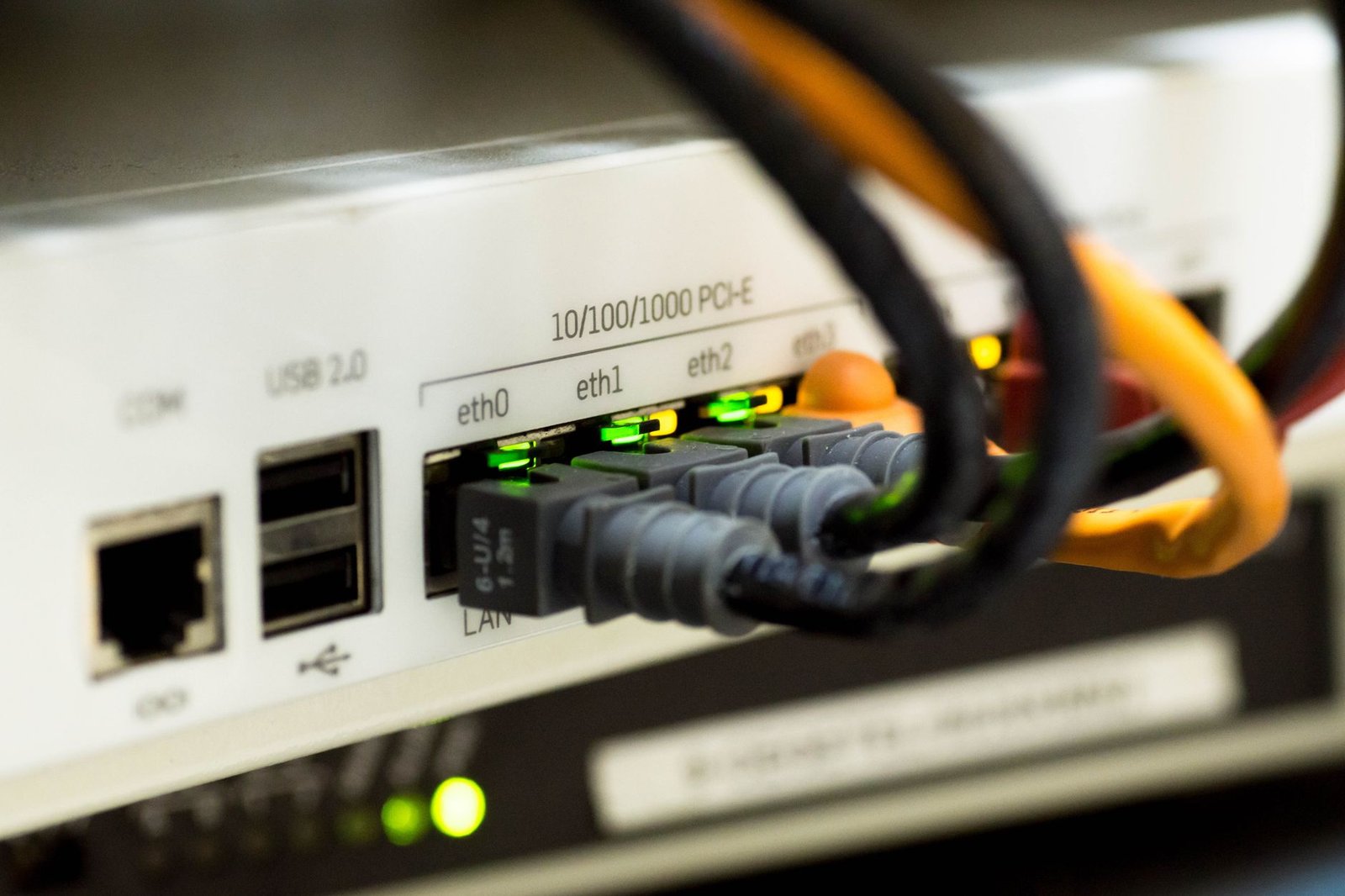
If your Samsung TV has a LAN port, use an Ethernet cable rather than Wi-Fi. A wired connection is steadier, and it rules out one common cause of buffering. For more detail, read our guide to internet speed for IPTV.
Test on your own Samsung before you commit
Getting IPTV on a Samsung TV comes down to a short order of checks. Find your model year and Tizen version. Install a player from Samsung’s store, after confirming on the app maker’s own page that it supports your TV. Enter your M3U link or Xtream Codes login. If it fails, work through Samsung’s fixes. If the store has nothing for your set, plug in a streaming stick.
A word on legality. IPTV as a technology is legal to use. Whether a given channel lineup is licensed depends on the provider, so check a provider’s content rights yourself and look at the law where you live.
Since app support varies by model and store, playback on your own TV is the real test. Check that your Samsung plays it smoothly first: start the 24-hour trial for $1.99 and run it through the steps above.
What Samsung owners still ask about IPTV
Can I get IPTV Smarters on a Samsung TV?
You can get IPTV Smarters on a Samsung TV only if your regional Samsung app store lists it for your model year. Samsung says store content varies by region and changes without notice, so a guide that names the app is no proof it is in your store. Search the store on your own TV first. If it is not there, an HDMI streaming stick gives you a wider choice of players, as the section on older Samsung TVs explains.
What is the best IPTV player for a Samsung TV?
The best IPTV player for a Samsung TV is one your regional store actually lists, whose maker supports your Tizen version, and that accepts your login type (M3U or Xtream Codes) and loads a TV guide. No single app suits every set, because Samsung says store content varies by region and changes without notice. Check the app maker’s own page against your model year before you pay any activation fee.
Is there a free IPTV player for a Samsung smart TV?
Some IPTV players for Samsung smart TVs are free to install, and some charge their own activation fee to the app maker. Either way, the player carries no channels of its own. The channels come from your IPTV provider, which is a separate service, as this guide to how IPTV works explains.
Is IPTV legal to use on a Samsung TV?
IPTV as a technology is legal to use on a Samsung TV, since the TV’s own player supports standard streaming formats such as HLS and MPEG-DASH, per Samsung Developers. Whether a particular channel lineup is licensed depends on the provider. Check the provider’s content rights yourself and the law where you live.