The best IPTV player Firestick owners can install depends on which system the stick runs. On a Fire OS stick like the 4K Max, TiviMate is the best overall pick for its TV guide, IPTV Smarters Pro is the familiar free choice, and VLC is the free player from the Appstore. On a Vega OS stick like the 4K Select, you get Appstore apps only.
Article summary
- What is the best IPTV player for Firestick?
- Check which Fire TV OS your stick runs first
- Best IPTV players for Fire OS sticks
- TiviMate: best overall for TV guide and remote navigation
- IPTV Smarters Pro: best if you use it on other devices too
- VLC: best free player from the Appstore
- Kodi with PVR IPTV Simple Client: for tinkerers
- TiviMate or IPTV Smarters Pro?
- What works on a Vega OS stick (4K Select, 3rd-gen 4K, 2nd-gen HD)
- How to compare IPTV players on a Fire TV: five things that matter
- Lookalike apps and blocked apps: install a player you can keep
- Is it safe to install an IPTV player from outside the Amazon Appstore?
- A player still needs a provider
- Quick answers about IPTV players on a Fire TV Stick
- What is the best free IPTV player for Firestick?
- What is the best IPTV player for Firestick 4K?
- Do IPTV players come with channels?
- Is TiviMate Premium worth it on Firestick?
- Why did Amazon block my IPTV app on Fire TV?
- Does the IPTV player affect buffering?
That split matters more than any feature list. Most “top players” lists still assume every Firestick can install anything it likes. Since late 2025, several current sticks can only use what the Amazon Appstore offers.
What is the best IPTV player for Firestick?
An IPTV player is an app that plays the stream your provider sends. It is not the service itself, and it does not come with channels. If you are new to this, start with how IPTV works, then come back here.
Amazon now sorts its sticks into two families, Fire OS and Vega OS, and the family decides what your stick can install. The 4K Max, 4K Plus, Cube, 1st-gen HD and Fire TV smart TVs run Fire OS. The 4K Select, the 3rd-gen 4K and the 2nd-gen HD run Vega OS.
The table below shows the best IPTV player Firestick owners can pick in each family.
| Your stick | Can install | Best pick | Why |
|---|---|---|---|
| Fire OS, want a TV guide | Appstore and outside apps | TiviMate, if your Appstore lists it | Guide grid built for the remote |
| Fire OS, want it free | Appstore and outside apps | VLC, Smarters or Kodi | Free, from official sources |
| Vega OS | Appstore apps only | A checked Appstore player, or another device | Vega cannot add outside apps |
Sources: Amazon Developer, Fire TV device hub; AFTVnews, Fire TVs that don’t support sideloading due to Vega OS, updated October 2026.
Check which Fire TV OS your stick runs first
Before you pick a player, take 30 seconds to check your stick. Open Settings > My Fire TV > About and look at the software line:
- “OS 1.x” means your stick runs Vega OS.
- “Fire OS” followed by a version number, such as 7, 8 or 14, means it runs Fire OS.
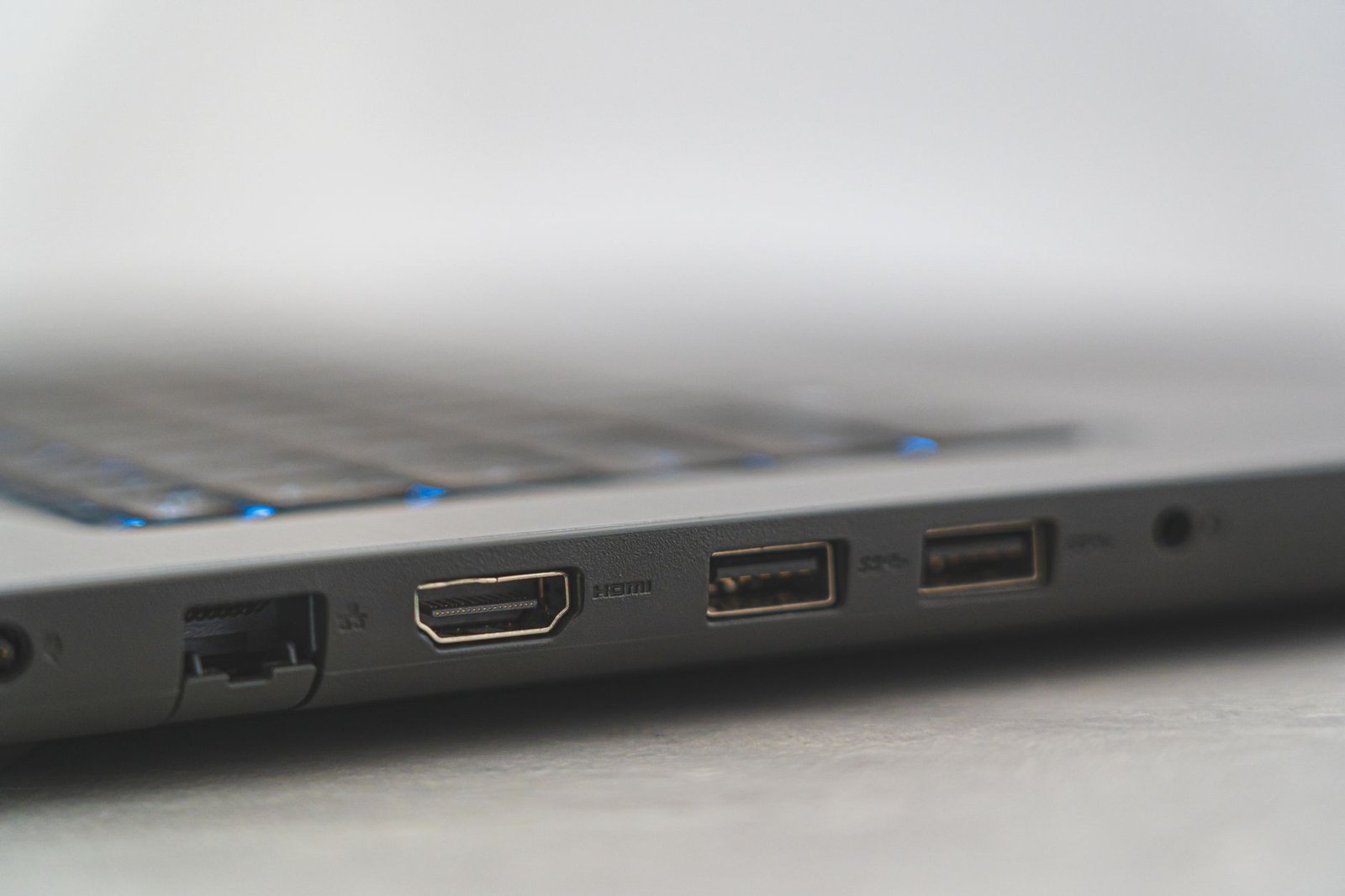
This check decides your whole shortlist. Vega devices “do not support sideloading, do not support the Downloader app”, according to AFTVnews’s list of Vega Fire TVs. That means you can only install what the Amazon Appstore shows on that stick.
Vega is a new operating system, and the Fire TV Stick 4K Select was the first device to run it. In its Vega OS announcement, Amazon also said it will “continue to launch new features and devices on Fire OS”. So both families will stay on shelves for a while.
Best IPTV players for Fire OS sticks
If your stick runs Fire OS, you have the widest choice. Here are the four players worth your time, with the verdict first.
TiviMate: best overall for TV guide and remote navigation
TiviMate is the pick if you want your IPTV to feel like a cable box. Its developer, Armobsoft FZE, describes it in its store listing as “a media player only”. TiviMate supports M3U playlists, Xtream Codes and Stalker Portal logins, and it shows an EPG grid, the electronic program guide that lists what is on each channel by time.
The developer says the app is “designed for Android TV and remote control navigation”. That is why it feels natural on a Fire TV remote.
TiviMate has a free version and a paid Premium upgrade. Per the developer, Premium “unlocks application features only”, so it never adds channels. Check the current price before you pay.
Search for TiviMate in the Appstore on your own stick, because listings change. If it is not listed, choose another player from the Appstore instead. If you already have TiviMate, follow our TiviMate setup guide.
IPTV Smarters Pro: best if you use it on other devices too
IPTV Smarters Pro is the player many people already know from their phone or smart TV. The genuine app is published by WHMCS Smarters. Its Samsung Galaxy Store listing says it is free, supports Xtream Codes and a TV guide, and “does not supply or include any media or content”.
Remember that developer name. It is how you tell the real app from the many copies with similar names. To get it running, see how to install IPTV Smarters Pro on a Fire TV Stick.
VLC: best free player from the Appstore
VLC is the safest free start on a Fire OS stick. VideoLAN, the developer of VLC, links “VLC for Fire” through an Amazon Appstore badge on its VLC for Android download page.
VLC plays HTTP streams, UDP/RTP multicast and the MPEG-TS format. Its feature page also promises “No spyware, No ads, No user tracking”.
The honest limit: VLC is a general media player, not a TV-guide app. It is great for testing whether an M3U link works. It is clumsy for flipping through channels every evening.
Kodi with PVR IPTV Simple Client: for tinkerers
Kodi is a free, open-source media center. To use it for IPTV, you add the PVR IPTV Simple Client add-on. According to its GitHub project page, the add-on reads M3U playlists with an XMLTV guide.
Catch-up TV works only “if supported by the IPTV provider”. That is a good reminder that many features come from the provider, not the player. Kodi rewards people who enjoy setting things up. If you want something that just works, pick TiviMate or Smarters.
TiviMate or IPTV Smarters Pro?
TiviMate wins on the guide grid and the feel of the remote. IPTV Smarters Pro wins if you want the same app on every screen in the house. For the full side-by-side, read TiviMate vs IPTV Smarters vs XCIPTV compared.
You will also see OTT Navigator, GSE Smart IPTV and Perfect Player recommended in other lists.
What works on a Vega OS stick (4K Select, 3rd-gen 4K, 2nd-gen HD)
On a Vega stick, you can only use the IPTV players the Appstore shows on that device. Most of the well-known names above will not be there, and you cannot add them yourself.
Vega gets Android apps only through Amazon Cloud App Streaming, where an app runs on Amazon’s servers and streams to your stick. Amazon says this is “available only for apps that Amazon selects”.
Vega has no way to add apps from outside the Appstore, as AFTVnews found when testing the 4K Select.
Even the usual free fallback was missing. In October 2025, AFTVnews listed VLC as “incompatible with the Fire TV Stick 4K Select”. That was true at the time of AFTVnews’s test on that one model, so check the Appstore on your own stick.
That leaves two realistic options:
- Use an IPTV player the Appstore actually shows on your stick, after checking who publishes it (more on that below).
- Move IPTV to another device, such as a Fire TV Stick 4K Max, which runs Fire OS, or an Android TV or Google TV box. See our guide to IPTV players for Android TV boxes.
How to compare IPTV players on a Fire TV: five things that matter
When two players both work on your stick, these five points decide which one you will still be using in a month.
- Install route. Is it listed in the Amazon Appstore on your own stick? Only Appstore players count, so search before you commit.
- Login types. Most providers give you an M3U link, Xtream Codes details, or both. Make sure the player accepts what your provider sends. Here is the difference between M3U vs Xtream Codes.
- TV guide quality. A good EPG grid makes live TV easy to browse. If yours is blank, see when the TV guide stays empty.
- Remote-first navigation. Some players are built for touchscreens and feel slow with a remote. Players designed for TV feel faster.
- Price model. Players are free, ad-supported, or free with a paid premium tier. A premium tier buys features, never channels.
Here is how the four Fire OS players compare on those points.
| Player | Get it from | Logins and guide | Price |
|---|---|---|---|
| TiviMate | Appstore, if listed | M3U, Xtream, Stalker; EPG grid | Free, paid Premium |
| IPTV Smarters Pro | See the install guide | Xtream Codes; EPG | Free |
| VLC | Amazon Appstore | Stream URL or M3U; no guide | Free, no ads |
| Kodi + PVR IPTV Simple Client | Check your Appstore | M3U; XMLTV guide | Free, open source |
Sources: VideoLAN, VLC for Android and Fire; kodi-pvr, PVR IPTV Simple Client on GitHub; Samsung Galaxy Store, IPTV Smarters Pro listing. TiviMate details per the developer’s store listing.
A word on 4K. The player does not make a stream 4K. Your stick, the stream itself and your connection do. PlayTVX recommends 25 Mbps or more for 4K, and our guide to internet speed for 4K IPTV explains how to test yours.
Lookalike apps and blocked apps: install a player you can keep
Search the US Appstore for “IPTV” or “smarters” and you will get a long list of players from lesser-known developers. Some carry names close to Smarters but are not published by WHMCS Smarters.
Before you install, open the listing and read the developer line. A name match in the store does not make it the official app.
The second trap is a player that comes with “free channels” built in. Amazon’s help page on apps using unlicensed content on Fire TV says “Fire TV disables apps that are identified as using or providing access to unlicensed content”. The same page adds: “We can’t make exceptions”.
Since January 2026, the block can also happen at install time. Fire TV now shows the message “This app has been blocked because it provides access to unlicensed content”, as 9to5Google reported. An app like that can stop working overnight. A plain player from its real developer is the one you keep.
Is it safe to install an IPTV player from outside the Amazon Appstore?
The safest route is the Amazon Appstore, and this guide does not recommend any other. The risk sits in where a file comes from. In 2019 the FTC warned that illegal streaming apps commonly carry malware. Pick players the Appstore lists, and never install from a random download link.
None of this certifies any player or provider as legal. Check that a provider has the rights to what it streams, and check the law where you live.
A player still needs a provider
Every developer above says the same thing in writing: the player supplies no content. Your provider supplies the stream and the login, either an M3U link or Xtream Codes details.
That is also why buffering is rarely the player’s fault. The stream, the provider’s servers and your home connection matter far more. If you are already seeing freezes, here is how to fix IPTV buffering.
So the last step is to see your chosen player working on your own stick. You can test your player with the 24-hour trial for $1.99 from PlayTVX, which names Amazon Fire TV among its supported devices.
With any of the PlayTVX subscription plans, PlayTVX emails your login details and setup instructions after checkout. TiviMate, IPTV Smarters Pro, VLC and Kodi are independent apps, not PlayTVX products.
The best IPTV player Firestick owners can rely on is the one their stick can install from a source they trust and that fits how they watch. Picked your player? Try it with PlayTVX’s 24-hour trial for $1.99 on your own Fire TV Stick.
Quick answers about IPTV players on a Fire TV Stick
What is the best free IPTV player for Firestick?
On a Fire OS stick, VLC is the best free IPTV player for Firestick because it comes straight from the Amazon Appstore and its developer, VideoLAN, promises no ads or tracking. IPTV Smarters Pro and Kodi with PVR IPTV Simple Client are also free. On a Vega stick, use a free player the Appstore shows on your device and check its developer first.
What is the best IPTV player for Firestick 4K?
TiviMate is the best IPTV player Firestick 4K Max and 4K Plus owners can pick, thanks to its TV guide and remote navigation. Both models run Fire OS. The 3rd-gen Fire TV Stick 4K and the 4K Select run Vega OS, so they are limited to Appstore players. Real 4K quality depends on the stream and your connection, and PlayTVX recommends 25 Mbps or more.
Do IPTV players come with channels?
No, legitimate IPTV players do not come with channels. TiviMate’s developer calls it “a media player only”, and the IPTV Smarters Pro listing says it “does not supply or include any media or content”. Your provider supplies the streams and the login.
Is TiviMate Premium worth it on Firestick?
TiviMate Premium is worth it on a Firestick only if you want its extra features. Its developer says Premium “unlocks application features only”, so it adds no channels. Try the free version on a Fire OS stick first, and check the current Premium price before you buy.
Why did Amazon block my IPTV app on Fire TV?
Amazon blocks an IPTV app on Fire TV when it identifies the app as using or providing access to unlicensed content. Amazon’s help page says it “can’t make exceptions”, and since January 2026 the block can also appear when you try to install the app. A plain player from its real developer, with no channels built in, is not the target of this block.
Does the IPTV player affect buffering?
The IPTV player rarely causes buffering on its own. The stream quality, the provider’s servers and your internet connection matter far more than which app plays the stream. Our guide to fix IPTV buffering walks through the usual causes.