Live TV, movies and VOD
PlayTVX includes live channels, sports, movies, series and on-demand titles in one subscription, with a TV guide (EPG).
IPTV Firestick


PlayTVX is an IPTV Firestick service that streams 25,000+ channels plus movies, series and VOD on Amazon Fire TV, with access details within 30 minutes by email and WhatsApp. Quality is HD, Full HD or 4K depending on the channel. Install a player from the Amazon Appstore, sign in and start watching.
Key facts
PlayTVX works on Amazon Fire TV devices, including the Firestick, with the same login on every plan. These IPTV Firestick facts apply to each plan.
Your Firestick already sits behind the TV. IPTV for Firestick means a subscription plus a player, and it becomes your live TV and on-demand box.
PlayTVX includes live channels, sports, movies, series and on-demand titles in one subscription, with a TV guide (EPG).
Quality depends on the channel source. For 4K you need a 4K screen and 25 Mbps or more. HD needs 15 Mbps or more.
The PlayTVX lineup includes family and kids channels and VOD, so the whole household has something to watch.
PlayTVX has no app of its own. You install an independent IPTV player from the official Amazon Appstore and enter your details.
PlayTVX supports VPN use, so you can run a VPN on your Fire TV if you prefer.
PlayTVX sends login details by email and WhatsApp within 30 minutes of checkout. Support is on live chat, WhatsApp and email.
PlayTVX works with the players in these guides. Pick your device to open the guide for installing a player and signing in.
Install a player on your Firestick and sign in step by step.
Setup guideChoose the right player for your Fire TV Stick 4K.
Setup guideGeneral IPTV setup for Fire TV and other devices.
Setup guideUsing Android TV instead? See the Android TV page.
Setup guidePlayTVX takes you from checkout to streaming in about 30 minutes.
Choose the $1.99 trial or a 1, 6, 12 or 24-month plan. Checkout runs through PayPal: pay by card or with a PayPal account.
Your login details and setup instructions arrive by email and WhatsApp within 30 minutes.
On your Fire TV, search the Amazon Appstore for an IPTV player, install it and enter your details. Our Firestick setup guide walks you through it.
Real conversations
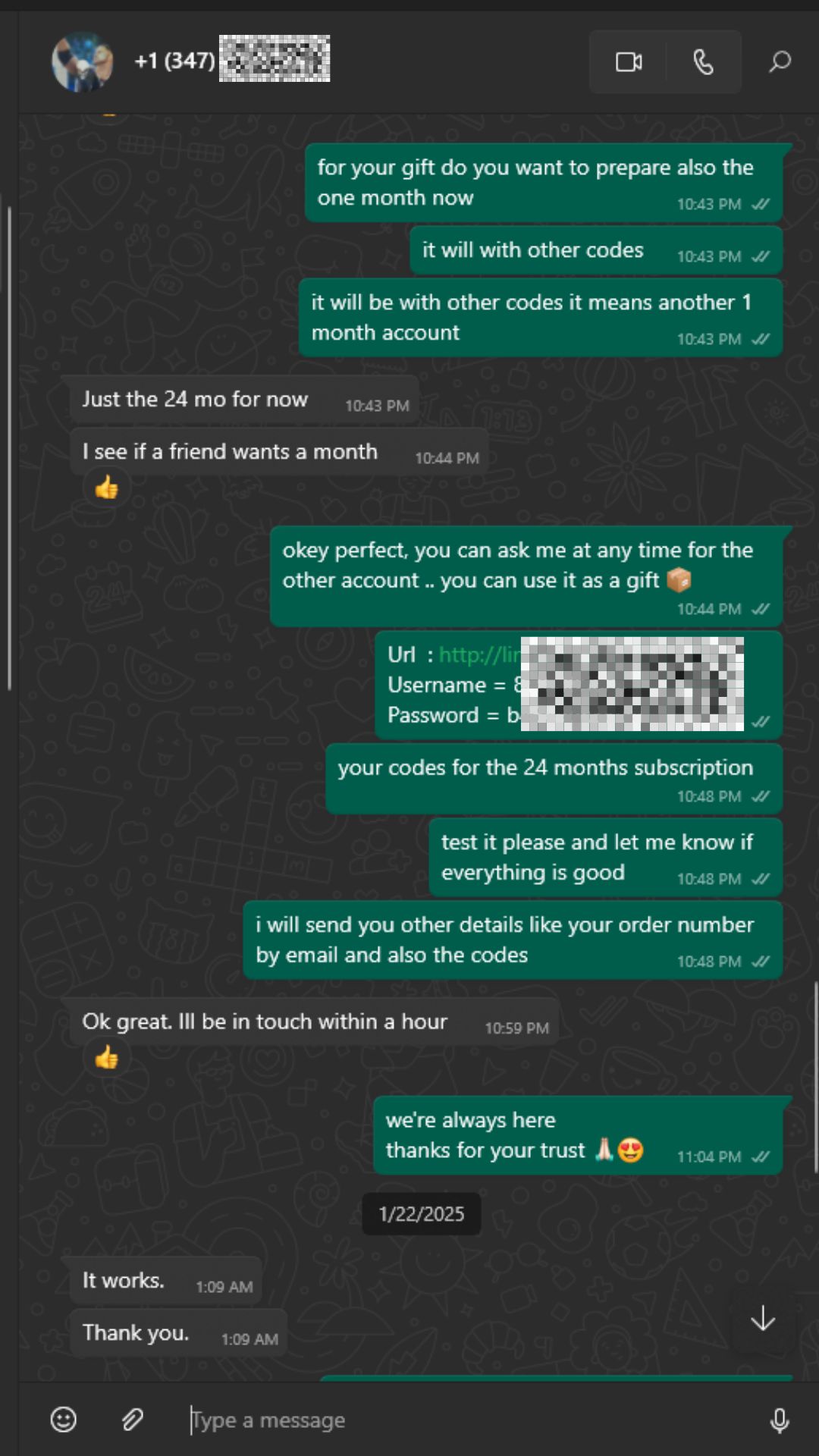
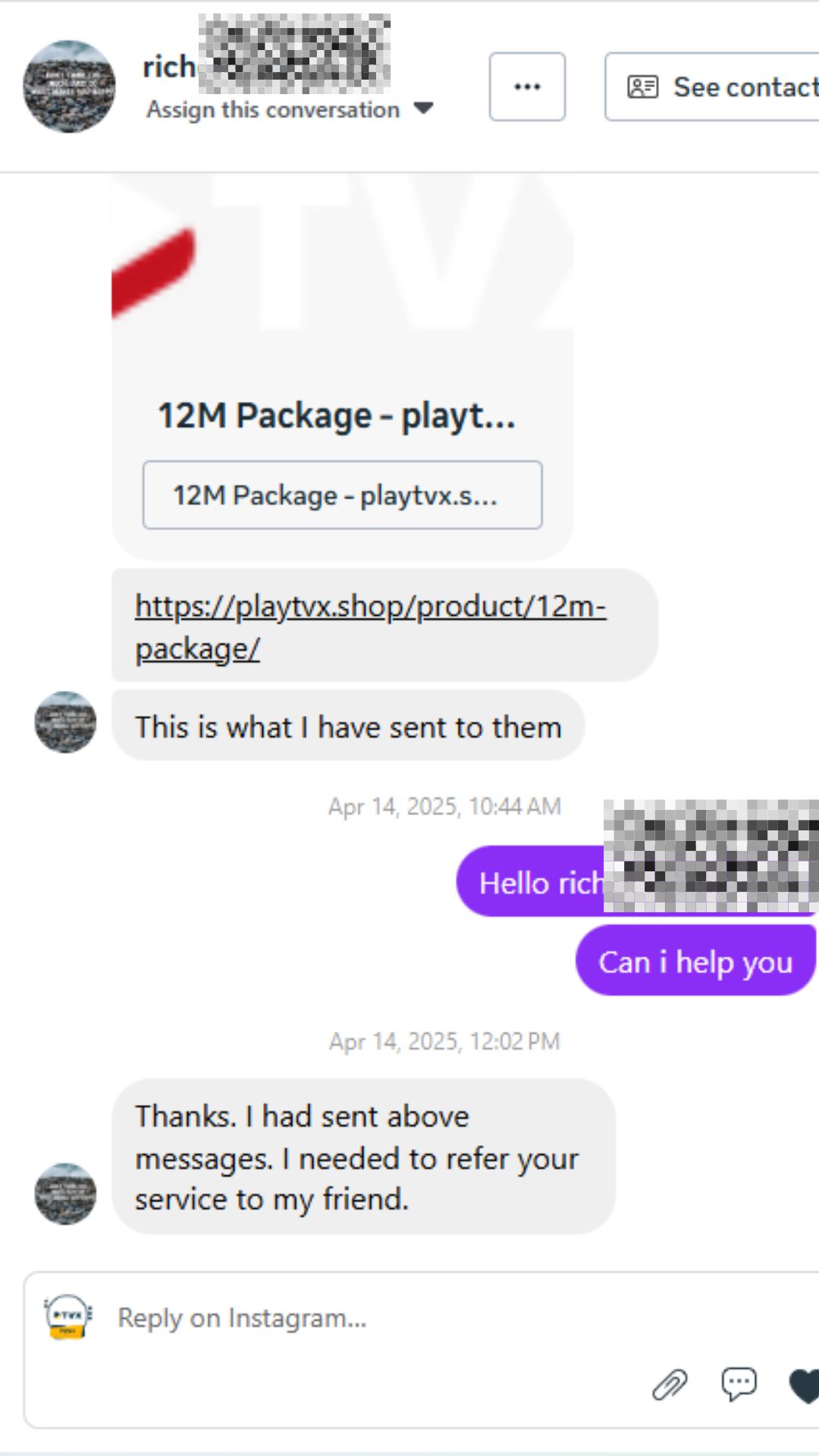
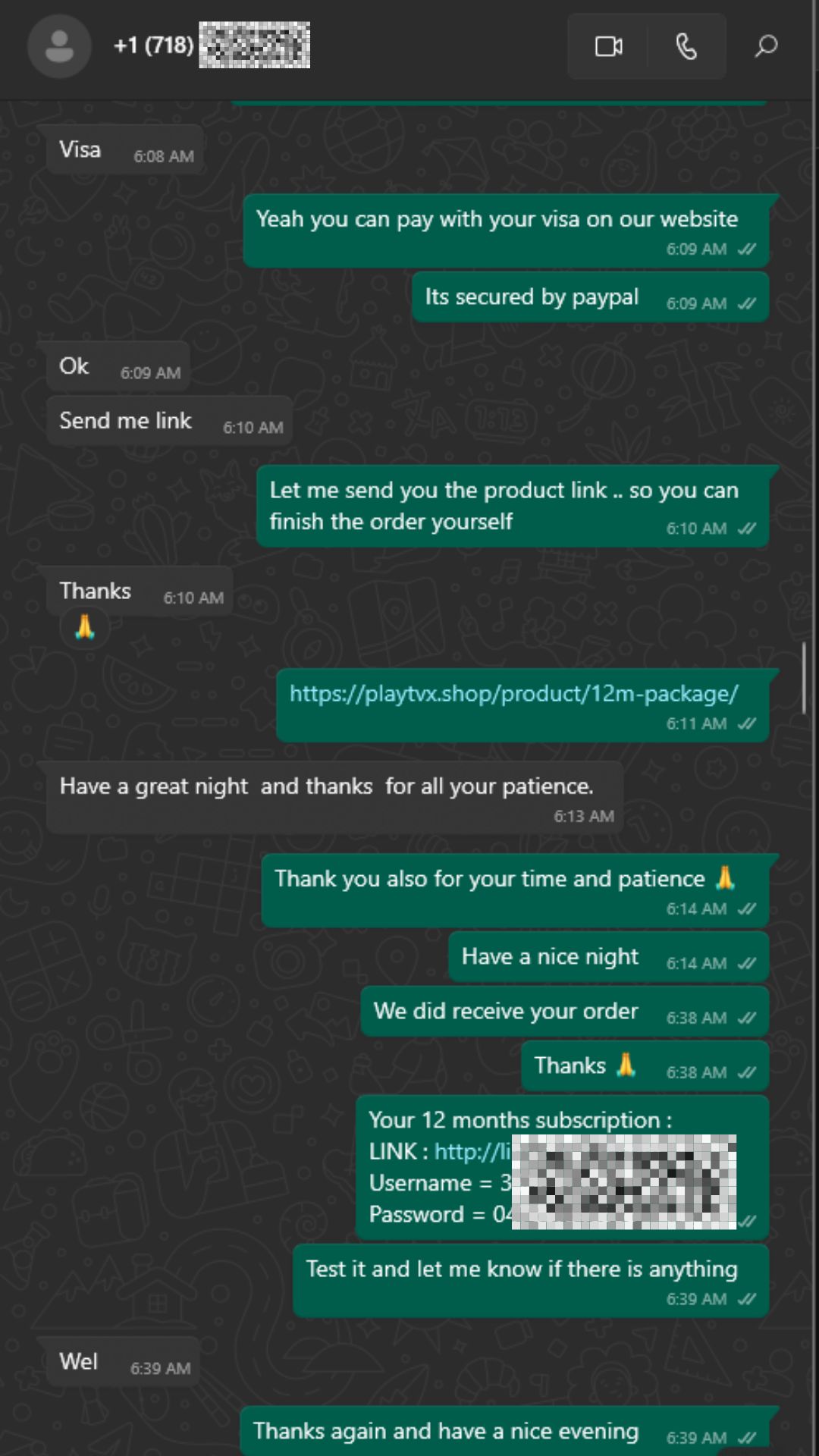
PlayTVX support answers customers on WhatsApp and Instagram. These are real conversations about delivery of access details, referrals and checkout help.
PlayTVX has a monthly plan and three longer plans with the same channels, VOD and support. Paying monthly costs $14.99, so 6 months at $5.83 a month saves $54.95 (61%), 12 months at $4.17 saves $129.89 (72%) and 24 months at $3.75 saves $269.77 (75%). Each plan plays on one device at a time. See all plan options.
Bronze
6 months
$34.99
Regular price if paid monthly: $89.94 ($14.99 × 6 months)
$5.83 / month
You save $54.95 (61%)
Save 61%
Most popular
Gold
12 months
$49.99
Regular price if paid monthly: $179.88 ($14.99 × 12 months)
$4.17 / month
You save $129.89 (72%)
Save 72%
Diamond
24 months
$89.99
Regular price if paid monthly: $359.76 ($14.99 × 24 months)
$3.75 / month
You save $269.77 (75%)
Save 75%
Monthly
1 month
$14.99 / month
Pay $14.99 each month for the same channels and features as the longer plans. It suits a short stay or a month of viewing after your trial.
Switch to 12 months: $4.17/month and you save $129.89 (72%) in a year.
24-hour trial
PlayTVX offers a 24-hour trial for a one-time $1.99, so you can try IPTV Firestick streaming on your own Fire TV and internet connection before you pick a plan.
$1.99
One-time payment. No automatic renewal.
Minute 0
Pay $1.99 through the secure checkout, by card or with a PayPal account.
Within 30 min
Your login and setup guide arrive by email and WhatsApp, 30 minutes at most.
Next 24 hours
Watch live TV and VOD on your own TV and connection.
After the trial
Upgrade to the 12-month or 24-month plan and the $1.99 is deducted from the price.
The trial is a one-time purchase that does not renew and is not refundable. See the full IPTV trial terms.
IPTV guides
PlayTVX guides cover setup tutorials and fixes for IPTV Firestick owners.
18/09/2026
IPTV Smarters Pro Firestick setup: check whether your model runs Fire OS or Vega OS first, then sideload with Downloader…
Read article16/10/2026
Best IPTV player Firestick picks: TiviMate, Smarters, VLC or Kodi on Fire OS, and what works on Vega sticks like…
Read article16/10/2026
IPTV Smarters Pro is a free IPTV player with no channels. See how to find the real app from WHMCS…
Read article16/10/2026
IPTV Smarters failed to authorize means your provider's server refused the login. Check details, account, Smart TV setup, app data…
Read article19/07/2026
Fix iptv buffering is a crucial topic for cord-cutters. Nothing ruins a movie night or a live sports match faster…
Read article16/10/2026
IPTV setup in five steps: how to set up a player from your device's official store, add your M3U or…
Read articleQuestions
PlayTVX streams to a Firestick through an IPTV player from the Amazon Appstore. Order a plan or the 24-hour trial, install a player and sign in with the login details we send within 30 minutes by email and WhatsApp. Your channels and VOD then load in the player. The Firestick setup guide shows each step.
Yes, PlayTVX works on Amazon Fire TV devices, including the Firestick, through an independent IPTV player installed from the official Amazon Appstore. The player only displays your 25,000+ channels and VOD. Your login details come from PlayTVX. Setup steps vary slightly by device, and the guides above cover them.
The best IPTV for Firestick is one with a wide lineup, a clear price and fast access. PlayTVX offers 25,000+ channels and VOD, plans from $14.99 for 1 month, and access within 30 minutes. You can test it on your Firestick for $1.99 for 24 hours and judge it yourself.
PlayTVX has no player of its own, so choose an independent IPTV player from the Amazon Appstore that accepts your login details, shows a TV guide and stays responsive when you change channels. Our Firestick player guide compares the options so you can pick one.
PlayTVX works with any IPTV player you install from the Amazon Appstore. Open the search on your Fire TV, look up an IPTV player and select Get. Then open the player and enter the login details we send. Use the official store only. The Firestick setup guide lists the exact fields.
PlayTVX charges $1.99 for a 24-hour trial, paid once, and it does not renew. You pay at checkout by card or with a PayPal account and receive access within 30 minutes. If you upgrade to a 12 or 24-month plan, the $1.99 is deducted. Full terms are on the IPTV trial page.
Yes, PlayTVX supports VPN use, so you can run a VPN app on your Fire TV if you want one. A VPN can lower your speed, so check that you still have 15 Mbps or more for HD, or 25 Mbps or more for 4K. If streams stall, switch the VPN off and compare.
You can sign in on your Firestick and on other devices, but a PlayTVX subscription plays on one device at a time. Stop the stream on one screen before you start on another. Our guide to IPTV on multiple devices and the plan options explain the details.
PlayTVX gives you 24 hours of IPTV Firestick streaming for a one-time $1.99, on your own Fire TV. Access arrives within 30 minutes.