Can IPTV be used on multiple devices? Yes. You can enter your IPTV login on a TV, a phone, a tablet and a laptop, but your plan limits how many of them can play at the same time. The limit on screens playing together is called the connection count, and it matters far more than how many devices have the app installed.
Article summary
- Can IPTV be used on multiple devices at the same time? Up to your plan's limit
- What is a connection in IPTV?
- Credential logins vs device-locked activations
- Adding a second TV, a phone or a laptop
- How much internet speed do several screens need at the same time?
- Streaming in several rooms without buffering
- One household, one account: the sharing rule
- What to ask a provider before you buy for a multi-screen home
- More questions about watching IPTV on more than one screen
- Can I use my IPTV subscription on two TVs at the same time?
- Can I watch IPTV on my phone and TV at the same time?
- How many devices can I use with one IPTV subscription?
- What happens if I use IPTV on more devices than my plan allows?
- Does having the IPTV app installed on a device use a connection?
The rest of this guide explains what a connection is, which kind of login moves between devices and which does not, how much internet speed several screens need, and what to ask a provider before you buy for a busy household.
Can IPTV be used on multiple devices at the same time? Up to your plan's limit
Think of an IPTV plan the way you already think of a mainstream streaming plan. You can sign in on lots of devices. What the plan restricts is how many of them stream at once.
Mainstream services spell this out plainly. Netflix’s plan page describes its plans as letting you watch on 1, 2 or 4 supported devices “at a time”. YouTube TV’s help page says a plan lets you “watch on up to three devices at the same time”.
IPTV providers sell plans on the same principle. Each plan comes with a set number of simultaneous connections, and that number decides how many screens in your home can play together. Before you buy, check that number with the provider rather than assuming it.
If you are still getting to grips with how the service itself works, our complete guide to IPTV covers the basics.
What is a connection in IPTV?
A connection is one stream playing at one moment. If the living-room TV and a bedroom TV are both playing, that uses two connections. YouTube TV gives the same example for its own service: watching on a computer and a phone at once counts as two of its three streams.
The wording mainstream services use is worth noticing. Netflix talks about devices “at a time” and YouTube TV about devices “at the same time”. Both limits are about watching, not about where the app happens to be installed.
IPTV providers do not all count the same way, so do not assume an idle app is free. Ask your provider two things:
- Does an installed app that is not playing use a connection?
- What happens when one more screen starts playing than the plan allows?
What happens over the limit is set by the provider’s server, so it is worth knowing before the big game starts.
Here is how two mainstream services set their simultaneous-stream limits, as a reference point for what “connections” means:
| Service and plan | Screens that can play at the same time | Household rule |
|---|---|---|
| Netflix Basic | 1 | Household only |
| Netflix Standard | 2 | Household only |
| Netflix Premium | 4 | Household only |
| YouTube TV base plan | 3 (a computer plus a phone counts as two) | Not stated on this page |
Sources: Netflix Help Center, Plans and pricing for the Netflix plans; YouTube TV Help, What is YouTube TV? for the YouTube TV plan.
PlayTVX does not publish a connection count per plan, so confirm it with support before you order.
Credential logins vs device-locked activations
Not every IPTV login moves between devices in the same way. There are two broad types, and the difference matters as soon as you add a screen or replace a box.
Credential logins are the most common. The provider emails you a set of details, usually in Xtream Codes or M3U form, and you type them into a player app. The same details can go into a player on another device. If you want to know how the two formats differ, see our comparison of M3U vs Xtream Codes.
Device-locked activations work differently. MAG-type set-top boxes are activated on the box’s MAC address, a hardware ID unique to that box. PlayTVX’s terms state that an activation tied to a device cannot be moved to another device. The same refund and returns terms say that wrong details given at order, such as a wrong MAC address, are not refundable.
So can you move an IPTV subscription to a new device? With a credential login, yes: you enter the same details on the new device. With a box activation, plan on it staying with that box.
In practice:
- If you expect to swap devices, or want one plan to follow you from screen to screen, a credential-based player is the more flexible route.
- If you do order a box activation, read the MAC address off the box itself and double-check it before you submit the order.
Adding a second TV, a phone or a laptop
Using IPTV on multiple devices looks the same on almost every platform. You install a compatible player on each device and enter the same login details. As long as the number of screens playing together stays within your connection count, each one streams on its own.
PlayTVX lists these devices as compatible: Smart TVs (Samsung, LG webOS and Android TV), Amazon Fire TV, Apple TV, Roku, Android, iOS, Windows, Mac, MAG set-top boxes and Enigma2. Setup steps vary by platform, so each device has its own guide:
- A TV in another room: our pick of IPTV apps for a smart TV.
- A Fire TV device: how to use IPTV Smarters Pro on a Fire TV Stick.
- An iPhone or iPad: a roundup of IPTV players for iPhone and iPad.
- An Android phone, tablet or box: our list of IPTV players for Android.
- A laptop or desktop: how to set up IPTV on Windows or Mac.
These players are independent apps made by other developers. PlayTVX does not own them, and they work with any provider whose login format they support.
How much internet speed do several screens need at the same time?
Each stream playing in your home needs its own share of bandwidth, so the figures add up. One HD stream on a modest connection can play smoothly while three at once start to stutter.
The FCC’s broadband speed guide gives rough per-activity figures: about 3 to 4 Mbps for SD video, 5 to 8 Mbps for HD and 25 Mbps for 4K. The Netflix Help Center recommends 3 Mbps or higher per HD stream and 15 Mbps or higher per 4K stream. PlayTVX’s own advice is at least 15 Mbps for HD and 25 Mbps or more for 4K.
The table below adds those per-stream figures together for common household setups. Treat the totals as rough guidelines, as the FCC describes its own numbers, not as exact requirements.
| What is playing at once | FCC guide (Mbps) | Netflix guide (Mbps) |
|---|---|---|
| 1 HD stream | 5-8 | 3+ |
| 2 HD streams | 10-16 | 6+ |
| 1 4K stream + 1 HD stream | 30-33 | 18+ |
| 2 4K streams | 50 | 30+ |
| 4 HD streams | 20-32 | 12+ |
Sources: FCC, Broadband Speed Guide for the FCC figures; Netflix Help Center, Internet connection speed recommendations for the Netflix figures.
The FCC makes the same point from the household side. Its household broadband guide puts a home with four devices online at once and moderate use in its “Advanced” tier, 25 Mbps or more.
The simple rule: add up the streams you expect to run together, then leave headroom for phones, laptops and everything else on the network. For speed tests and choosing an internet plan, see our guide to how much internet speed IPTV needs.
Streaming in several rooms without buffering
A fast internet plan does not help much if the bedroom TV sits at the far edge of your Wi-Fi. Once a second screen is a couple of rooms away, where the router sits matters as much as the plan speed.
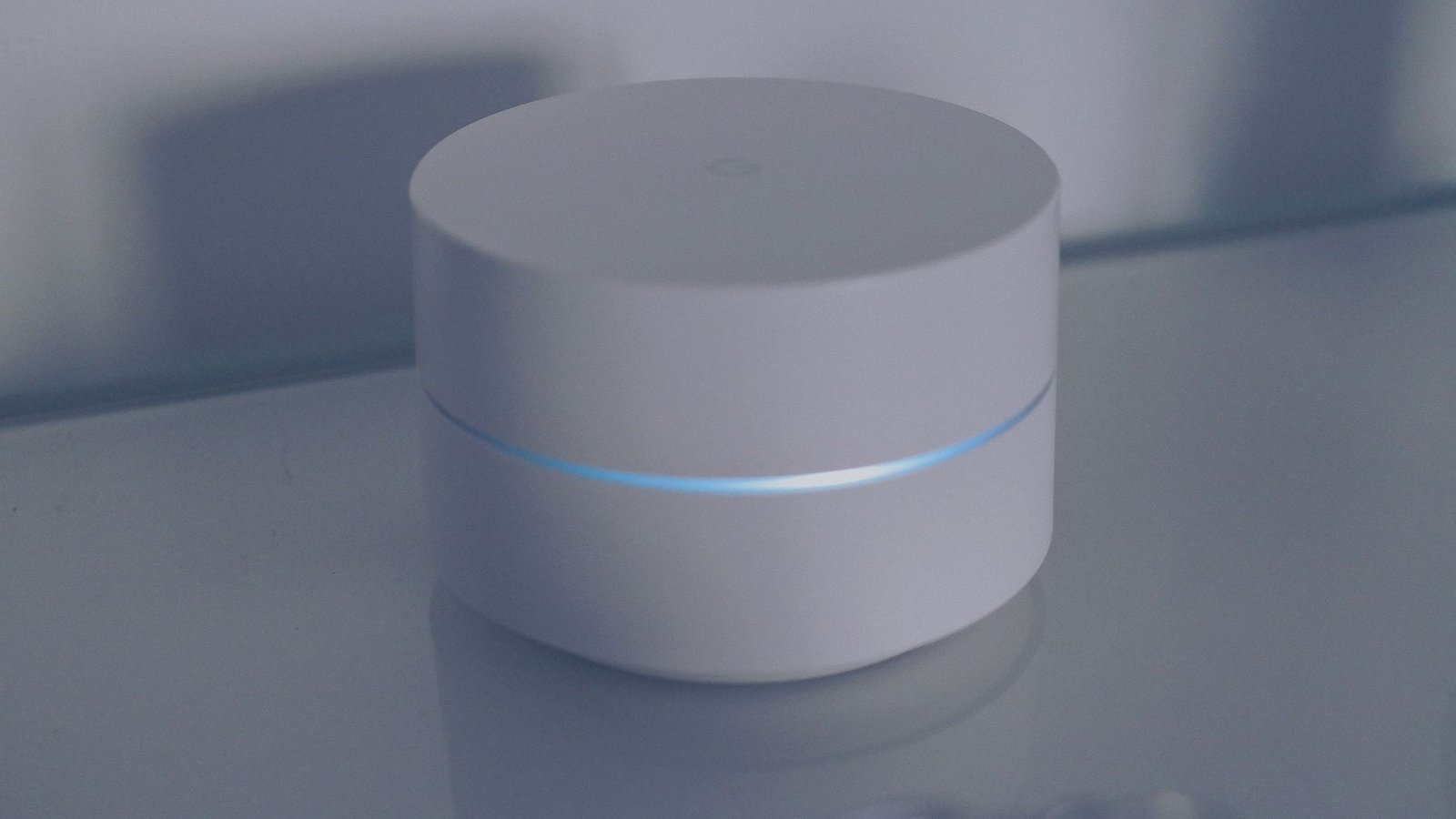
Google’s guidance for its own mesh Wi-Fi points is a useful rule of thumb. Google Nest Help advises placing a point in an open area, “about halfway” toward the room with weak signal and “no more than 2 rooms away” from the router or another point.
A few habits help every room:
- Connect the main TV to the router with an Ethernet cable where you can, which frees Wi-Fi for the other screens.
- Keep the router out in the open, not inside a cabinet or behind the TV.
- For distant rooms, add a mesh point or extender between the router and the far screen.
When several streams share a weak connection, buffering is the usual result. If it is already happening, our guide to fix IPTV buffering and freezing walks through the causes one at a time.
One household, one account: the sharing rule
Can IPTV be used on multiple devices in two different homes? Not on one account. A multi-connection plan is meant for several screens in one home. It is not a way to split one subscription between two households.
Mainstream services draw the same line. Netflix states on its plans page: “You cannot share your Netflix account outside of your household.”
PlayTVX’s terms prohibit account sharing and resale. Watching on the living-room TV, a bedroom TV and a tablet inside your own home is exactly what extra connections are for. Handing your login to a relative across town is not.
One more check belongs here. Before you buy from any IPTV provider, make sure it holds the rights to what it streams, and check the law where you live.
What to ask a provider before you buy for a multi-screen home
Most problems with IPTV on several devices come from buying a plan without asking the right questions first. Put these to the provider’s support team before you pay:
- How many simultaneous connections does the plan include, and can I add more later?
- What happens when one more screen starts playing: an error on the new screen, or another stream stopped?
- Does an installed app that is not playing count as a connection?
- Is my login credential-based, or tied to a device’s MAC address? Can I swap devices later?
- Will my internet plan carry the number of screens and the quality I want? Use the speed table above to check.
When you have your answers, compare PlayTVX’s subscription plans and ask support to confirm how many connections a plan includes before you choose.
So can IPTV be used on multiple devices in your home? Yes, as long as your connection count, your login type and your internet speed all match the screens you want to run together. Test it on your own screens first with the 24-hour trial for $1.99.
More questions about watching IPTV on more than one screen
Can I use my IPTV subscription on two TVs at the same time?
You can use one IPTV subscription on two TVs at the same time only if the plan includes at least two simultaneous connections. Each TV playing counts as one connection, the same way Netflix counts devices watching “at a time”. Ask the provider for the connection count before you order.
Can I watch IPTV on my phone and TV at the same time?
Yes, you can watch IPTV on a phone and a TV at the same time if your plan has two connections. A phone counts as a screen just like a TV. YouTube TV’s help page gives the same example for its service: a computer and a phone watching at once count as two streams.
How many devices can I use with one IPTV subscription?
With one IPTV subscription, you can usually install the player on as many devices as the provider’s terms allow. The number that can play at once is limited to the plan’s connection count, which you should confirm with the provider. Mainstream services work the same way, as Netflix’s plans page shows with its 1, 2 or 4 screens at a time.
What happens if I use IPTV on more devices than my plan allows?
When more devices play IPTV than your plan allows, the result depends on the provider’s server, so there is no single rule. Ask your provider whether the extra stream is refused or one already playing is stopped, and check that your internet speed can carry every stream using the FCC broadband speed guide.
Does having the IPTV app installed on a device use a connection?
Whether an installed IPTV app uses a connection depends on the provider, so ask before you buy. Mainstream services count only screens watching at the same time: YouTube TV limits you to three devices watching at once, not three devices signed in.